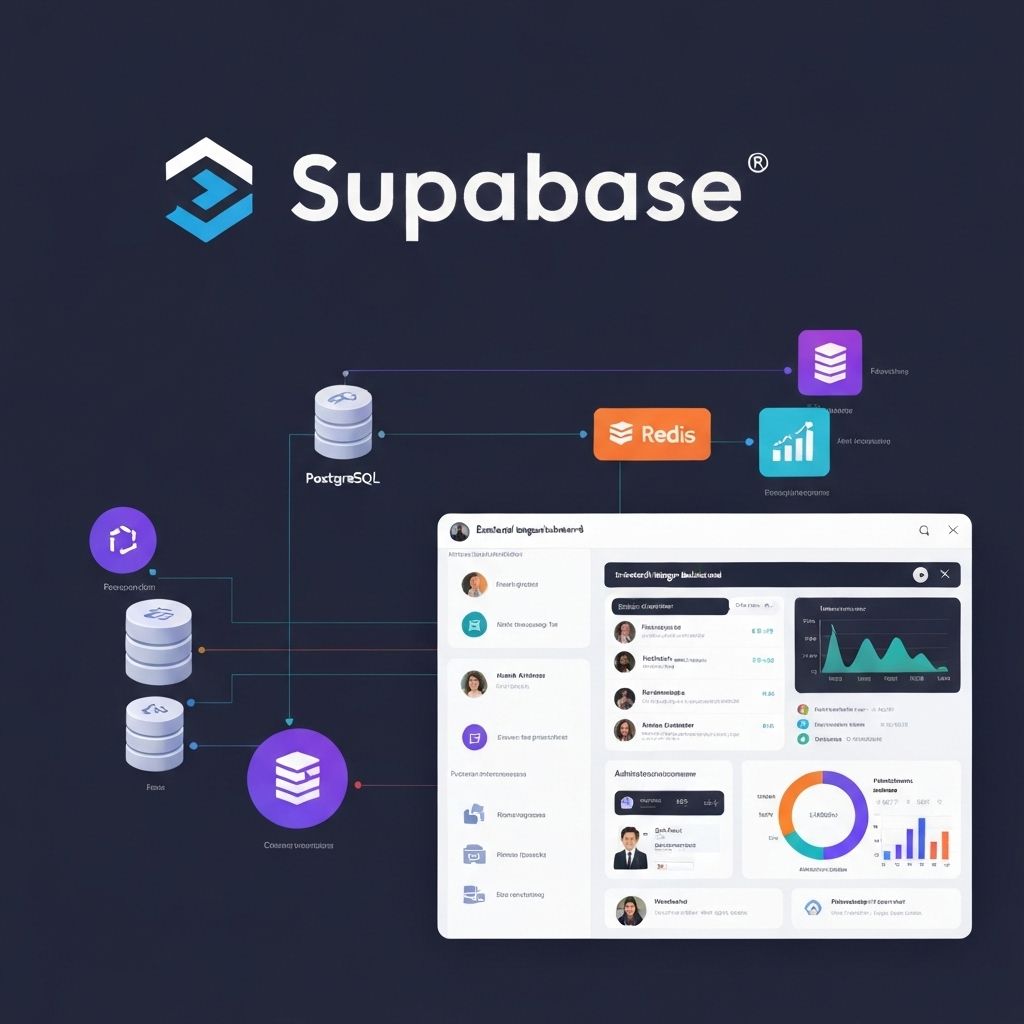
Mastering Lovable + Supabase Integration
Complete guide to integrating Supabase with Lovable.dev. Learn authentication, database design, and real-time features.
Why Supabase + Lovable?
Supabase is the default backend for Lovable.dev applications, providing authentication, database, storage, and real-time capabilities out of the box.
Setting Up Supabase
Lovable.dev automatically configures Supabase for you, but understanding the setup helps you customize it:
- Lovable.dev creates a Supabase project linked to your app
- Environment variables are automatically configured
- Database schema is generated based on your prompts

Database Design Best Practices
Structure your Supabase database for optimal performance:
- Use proper relationships: Foreign keys maintain data integrity
- Add indexes: Speed up common queries
- Normalize data: Avoid duplication
- Use appropriate data types: Choose the right type for each column
Row Level Security (RLS)
RLS is crucial for data protection:
- Enable RLS on all tables
- Create policies for SELECT, INSERT, UPDATE, DELETE
- Use auth.uid() to restrict access to user's own data
- Test policies thoroughly before deployment
Authentication Patterns
Common authentication flows in Lovable.dev + Supabase:
- Email/Password: Traditional authentication
- Magic Links: Passwordless authentication
- OAuth: Social login (Google, GitHub, etc.)
- Phone Auth: SMS-based authentication
Real-time Features
Leverage Supabase real-time capabilities:
- Subscribe to database changes
- Build collaborative features
- Create live dashboards
- Implement chat functionality
Storage and File Uploads
Handle files with Supabase Storage:
- Configure storage buckets
- Implement file upload UI
- Set up access policies
- Optimize image delivery
Need help with complex Supabase integrations? Our experts can help.
Ready to Build with Lovable.dev?
Get expert guidance for your Lovable.dev project. Our team has built hundreds of successful applications.
Schedule a Consultation